

Adobe Illustrator’s latest release includes a new feature called “Turntable” that allows its users to do in seconds what even a 3D or CAD/CAM program can’t do: create out of thin air the required data to rotate a 2D vector graphic in three dimensions.
Those programs require you to define the object in all three dimensions before they can take over and rotate it in space. With Turntable, generative AI is used to identify the 2D object and create the necessary third dimension – all on its own.
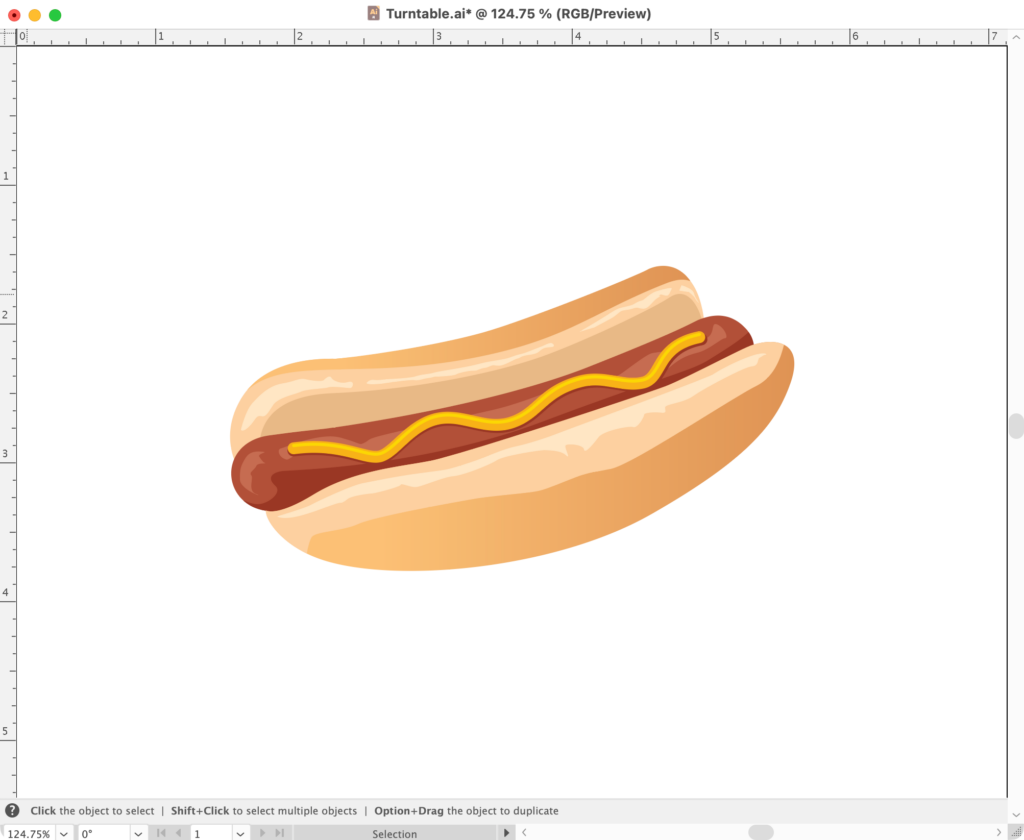
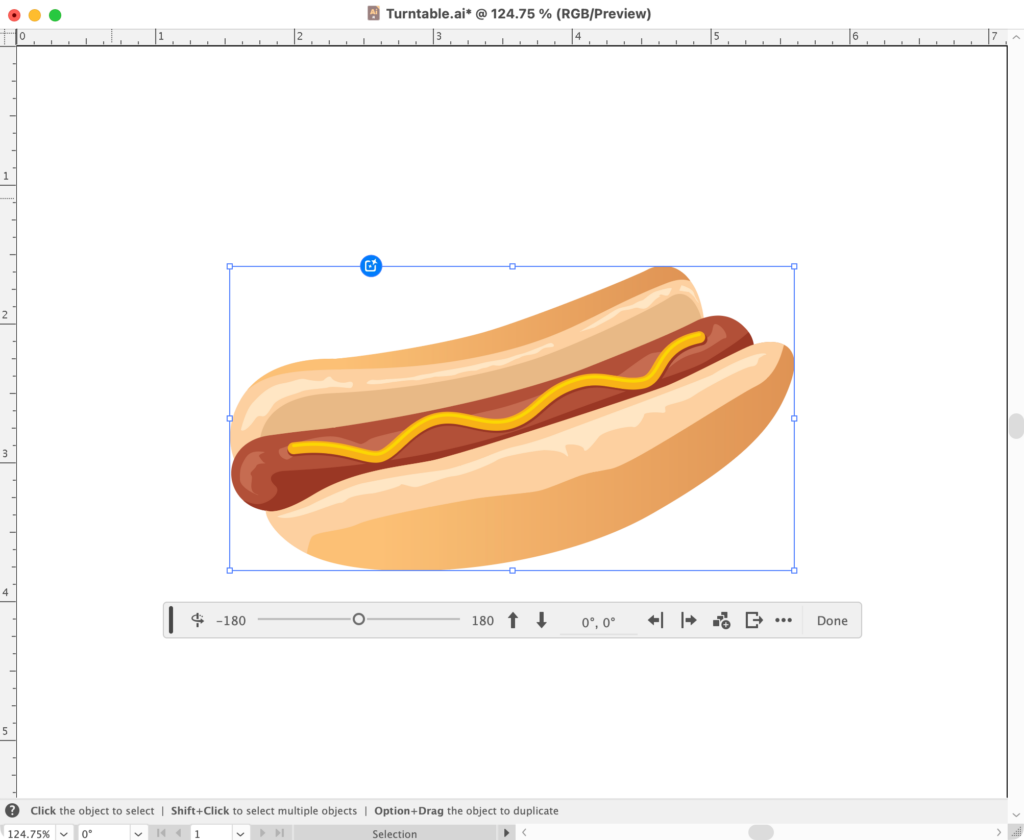
Seeing is believing, so let’s start with this tasty (yet, despite appearance, flat) vector image of a hot dog:
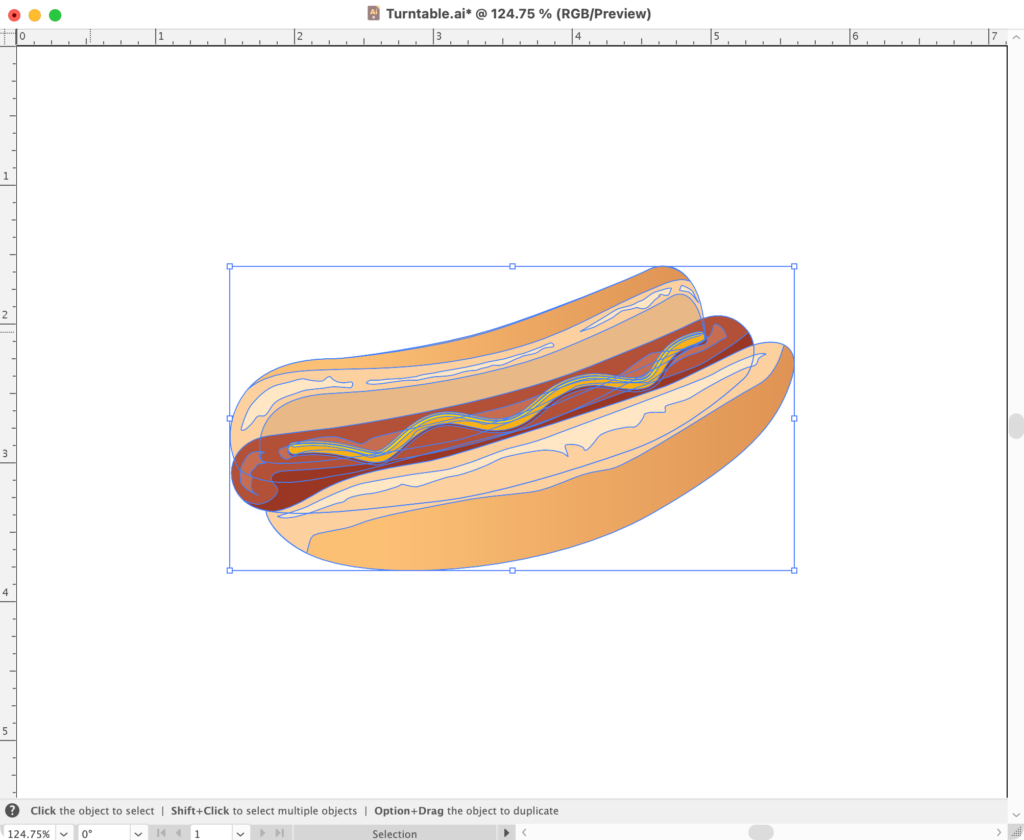
Simply select the entire object:
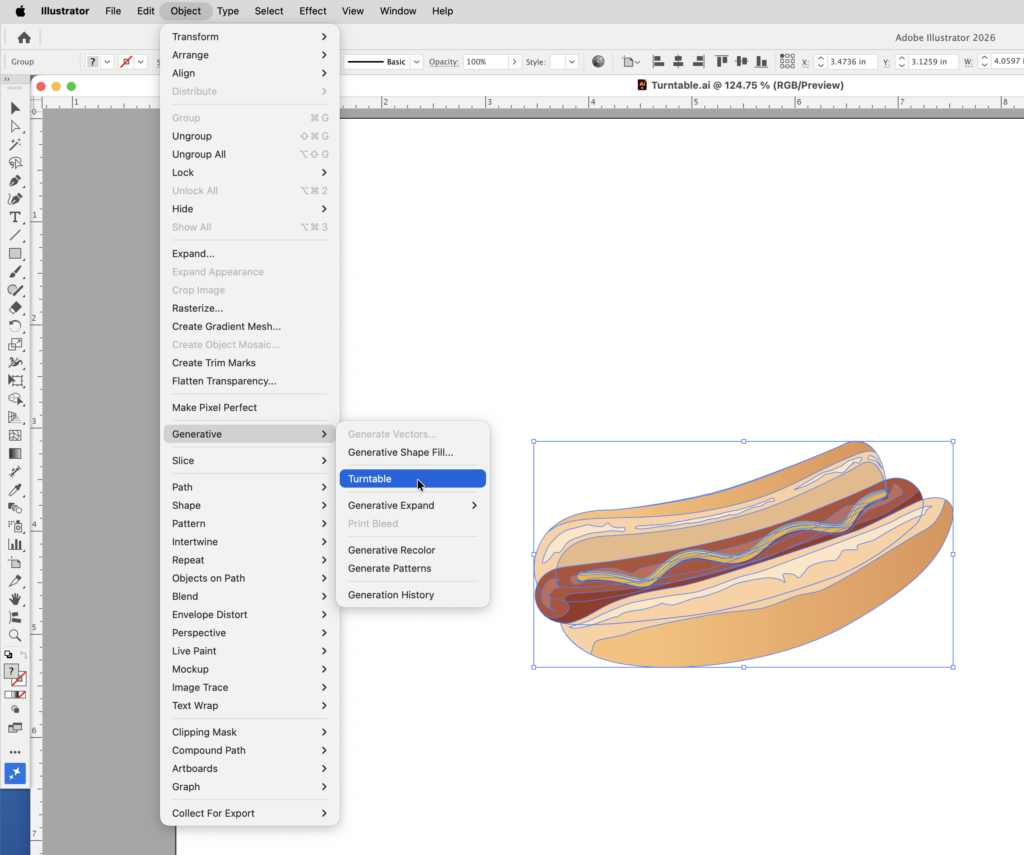
Go to Object > Generative > Turntable:
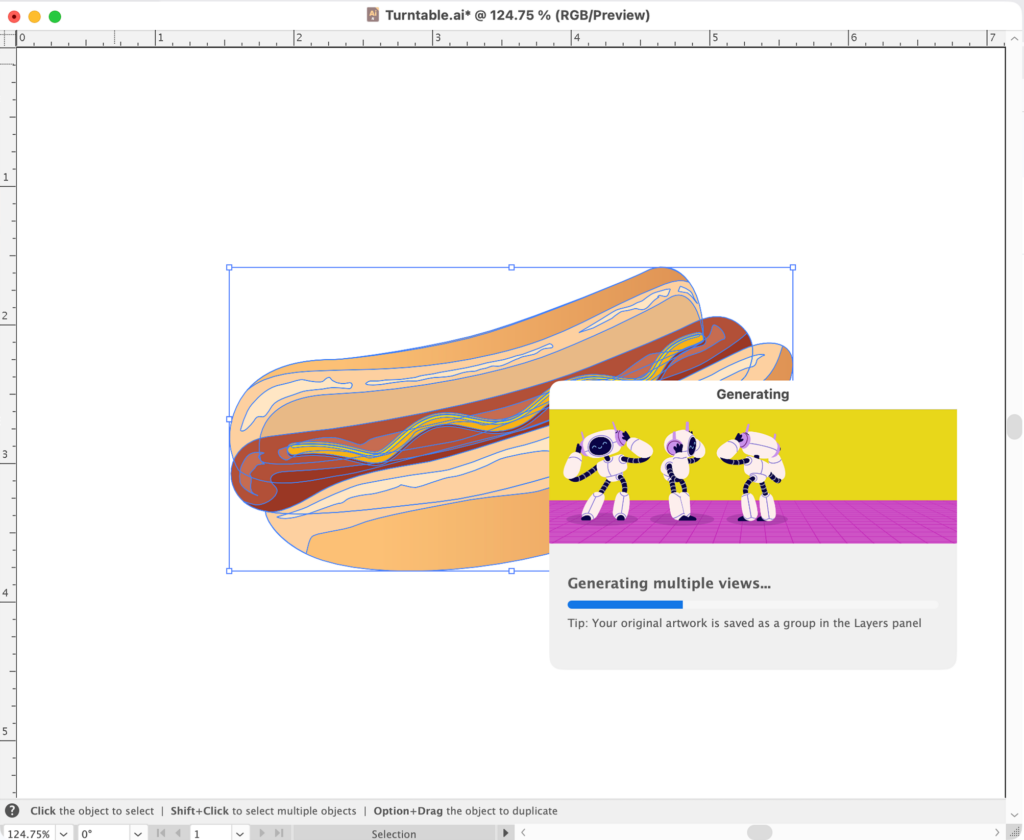
For a short while, it does its thing, identifying your selection and converting it into a 3D object:
Once that’s completed, a control bar appears below your object. The slider on the left and the up and down arrows to the right of that are what you use to rotate the object along its Y and X axes, respectively. When you’ve rotated the object into the position you prefer, just click the Done button:
To do this example justice, the following is a short video instead of all the 2D screenshots above:
This feature is in an early stage and doesn’t always do a perfect job. But when you compare what it can do now with the task of having to modify or even redraw something manually (and often multiple times) this new tool is practically invaluable.
About The Author