

Project pages for Architecture, Engineering, and Construction (AEC) websites can go beyond basic information. To truly engage audiences, consider integrating interactive elements that bring projects to life. Such elements can be a powerful way to communicate a project’s full value and stand out in a competitive industry.
Typically, project pages include:
- Basic project details and facts (location, client, size, etc.)
- Descriptive paragraphs of text
- A photo slider or gallery
While these are informative, they often lack the dynamic experience that can bring a project page to the next level. Adding interactive elements can drastically improve user engagement, storytelling, and retention. Below are some common enhancements you can implement:
Videos
Embed videos to showcase the construction process, design evolution, or finished project walkthroughs. Time-lapse sequences, drone footage, and interviews with project leads and clients can add real context and humanize the work. Videos without audio can be set to autoplay.
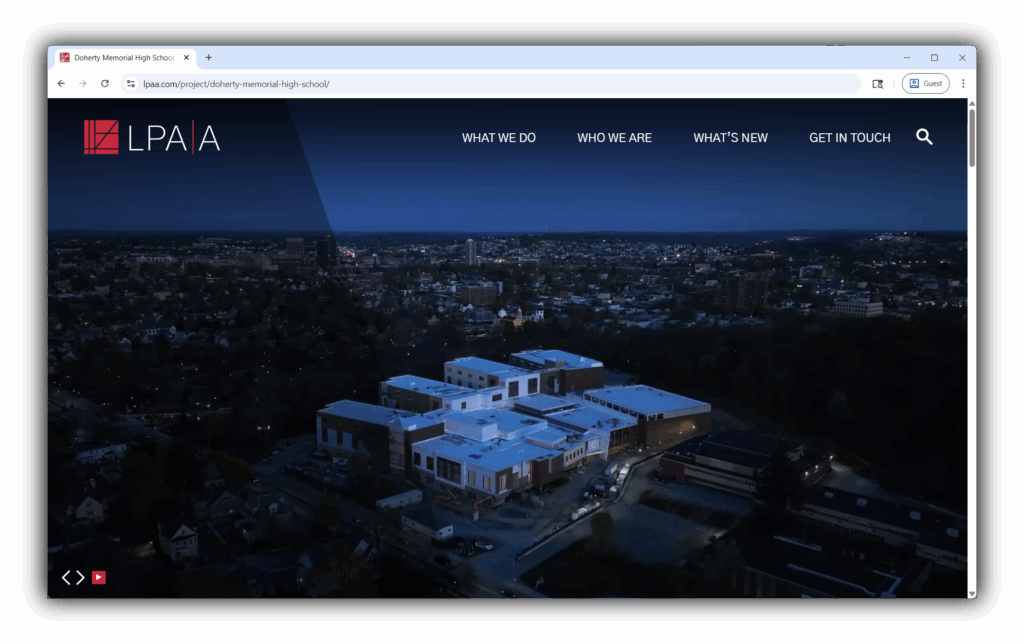
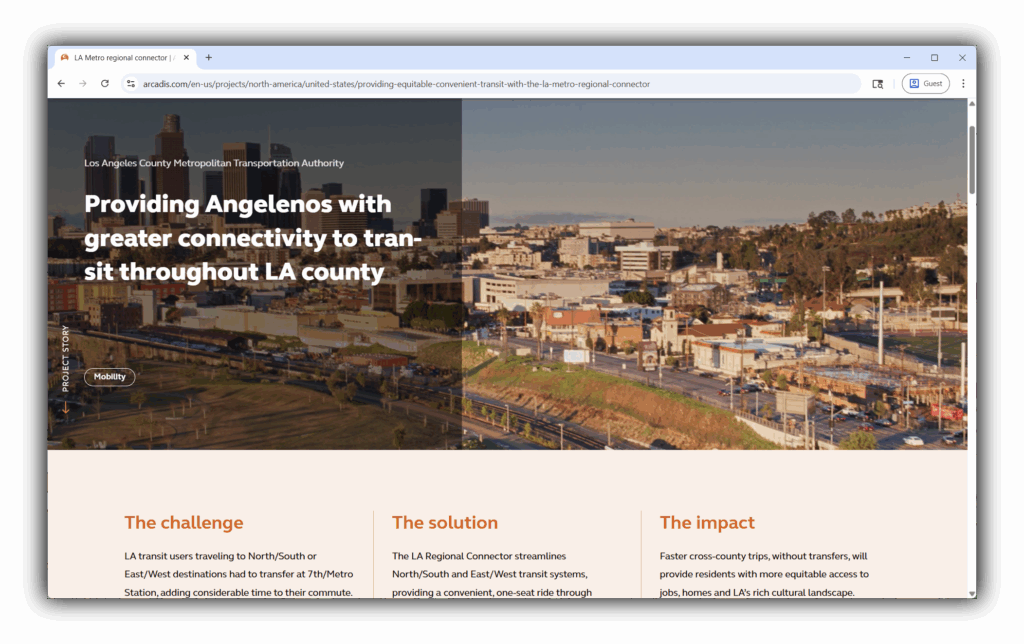
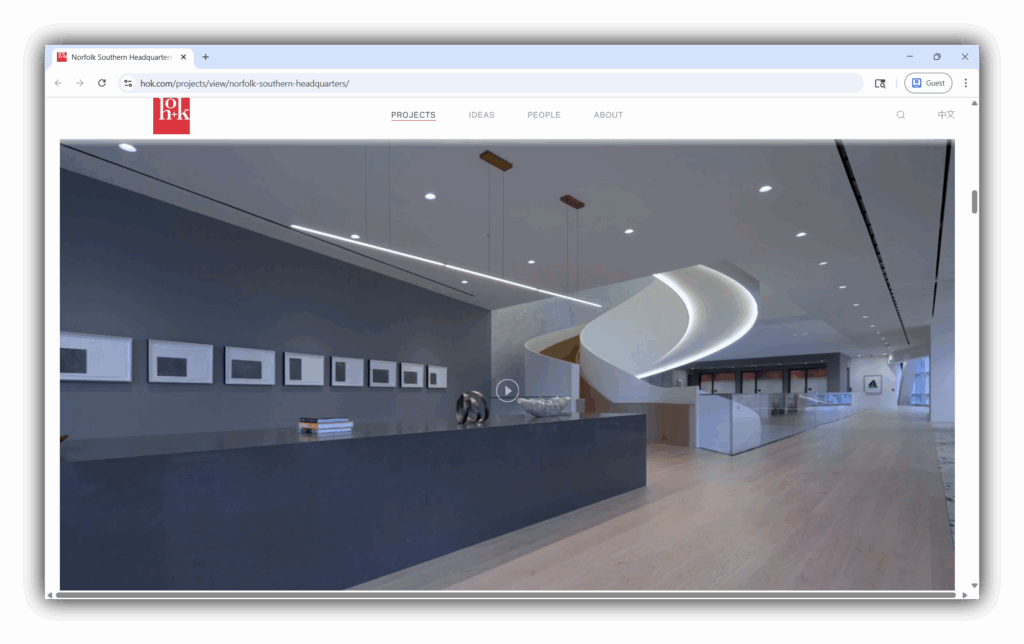
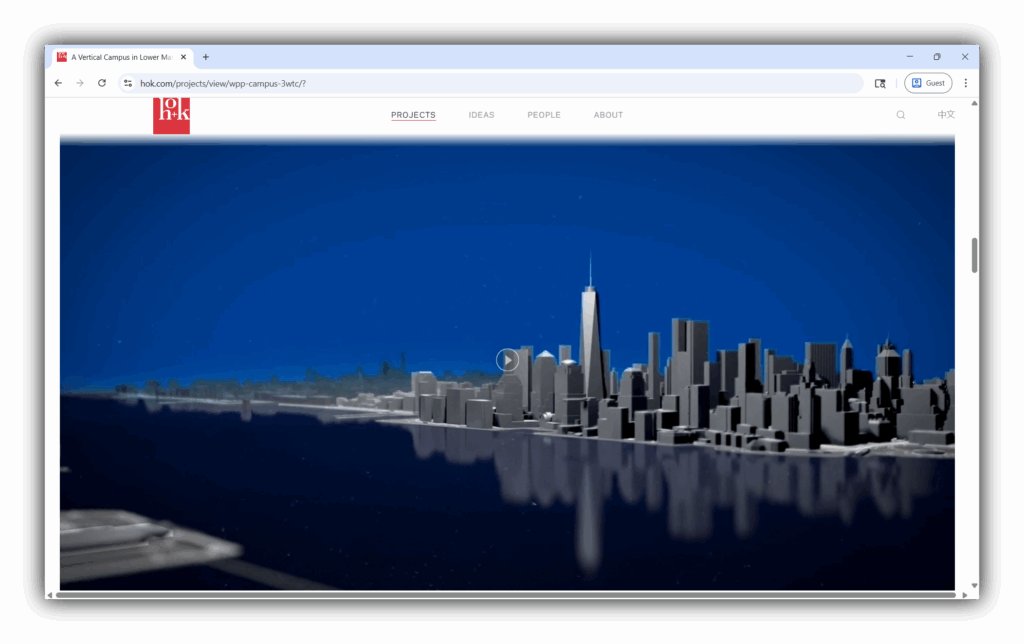
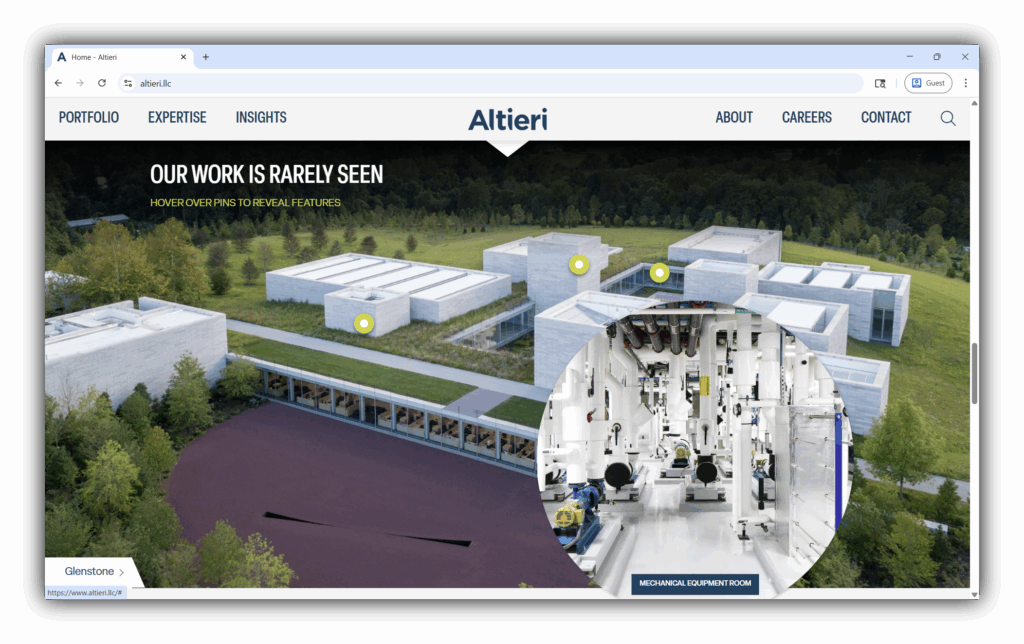
Image Rollovers with Details
Implement image rollovers that reveal additional information or captions. Rollovers can be a great way to highlight smaller design features or interesting specifications.

Before/After Image Sliders
Sliders visually demonstrate the transformation a project underwent, and are especially powerful for renovation or site transformation projects, where the before-and-after contrast tells a compelling story.


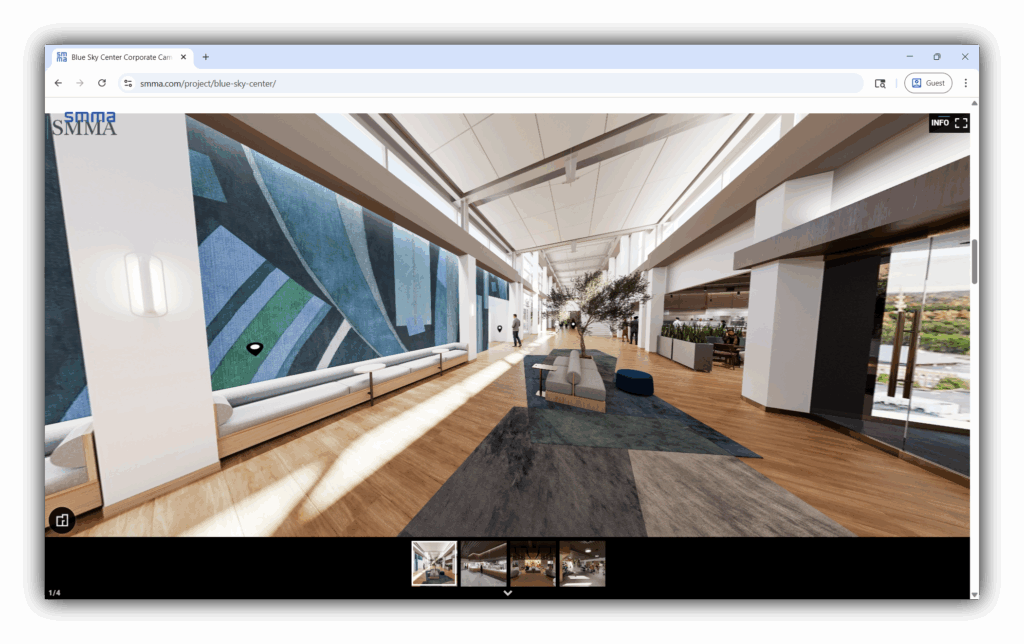
360° Views
Provide immersive experiences with 360-degree views of completed spaces. These can be stitched panoramic photos or fully interactive VR tours.
What interactive elements could you add to your most noteworthy project pages on your website?
Learn more about A/E/C website trends and new features in my session on the “Future of A/E/C Websites,” available as part of SMPS’s Amplify A|E|C Digital (2024) programming.
About The Author